
What is covered in this article?
Why would I want a new Event Type?
Often School's run different types of events and these types may not exist in the default list. But it is easy to edit, add or remove any of the items from the list. However, these changes are limited to School Admins only
How to add an Event Type
When creating a new event, you have the opportunity to specify the event's type such as School Tour etc.

To edit, add or remove items that appear in the Event Type list, you can:
- Go to Admin > School Lists.
- From the dropdown list, choose Event Type.
You will see a page that looks like this:
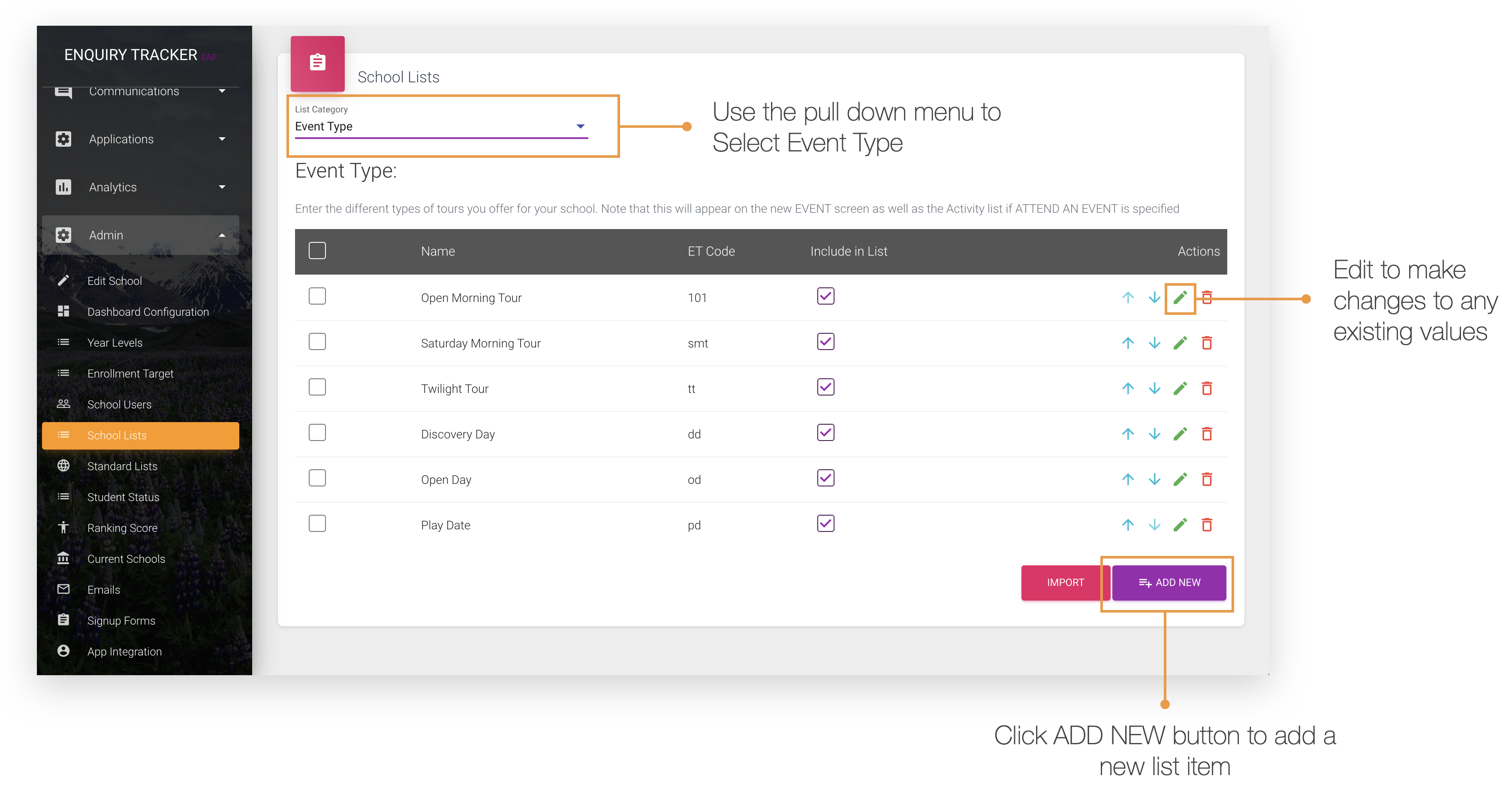
From here you can click on Add New to add a new event type. You can also click the pencil icon next to existing event types to edit them, or click the trash can icon to delete them.