What is covered in this article?
Adding a New Event Type
To update the list of Event Types, or names, which appear when creating or editing an event, you need to have SCHOOL ADMIN access in order to make any edits to various School List Items.
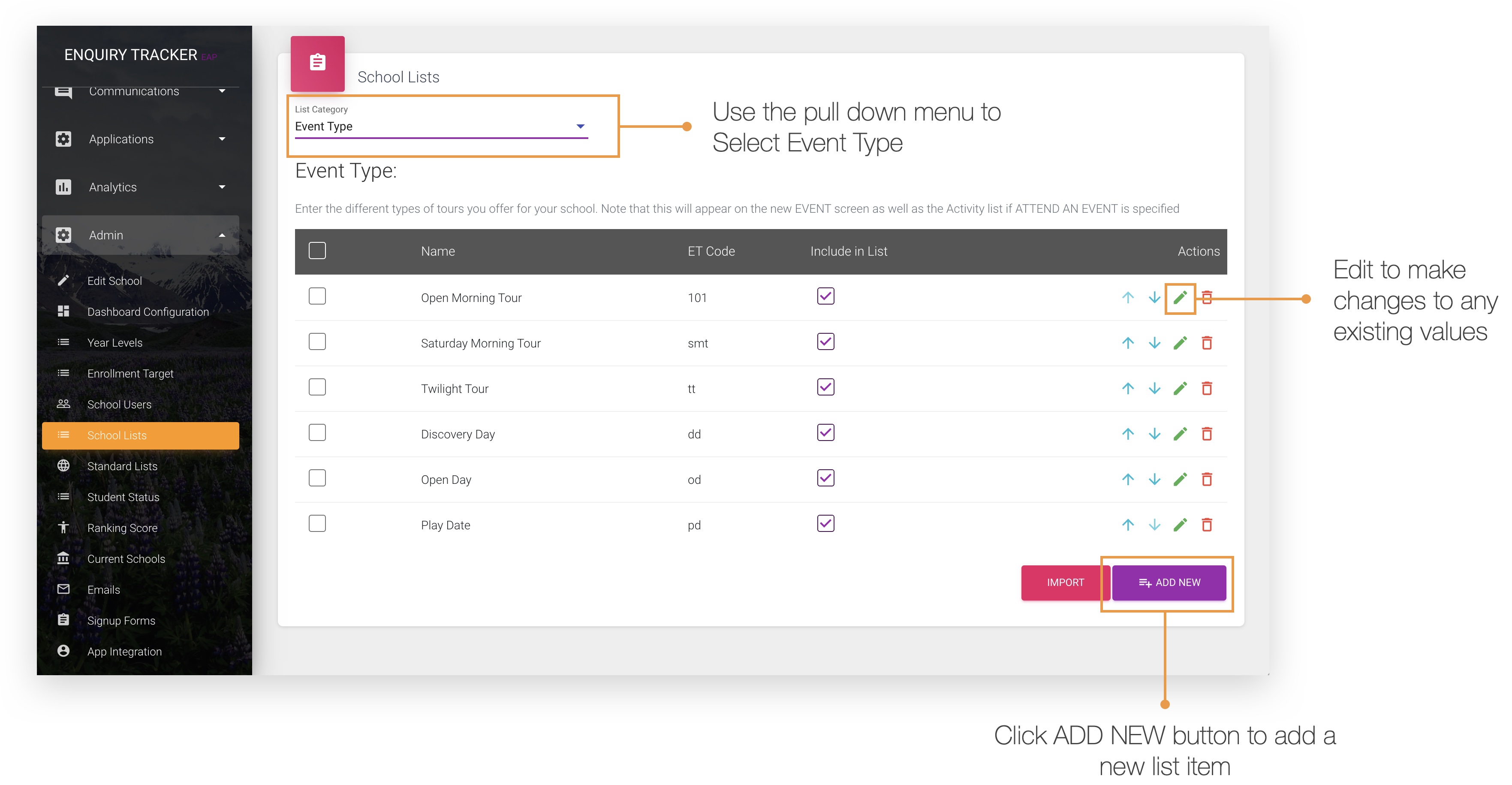
- Go to ADMIN> SCHOOL LISTS
- Select Event Type from the pull down menu from the top of the screen
- Click the green pencil to edit any existing values - note that this will effect all existing events that have been assigned to this event type
- Click ADD NEW to add a brand new item to appear in the list and SAVE.
| Note: That as long as Include in List is marked, then the item will appear as a value in the list when you are creating a new event |